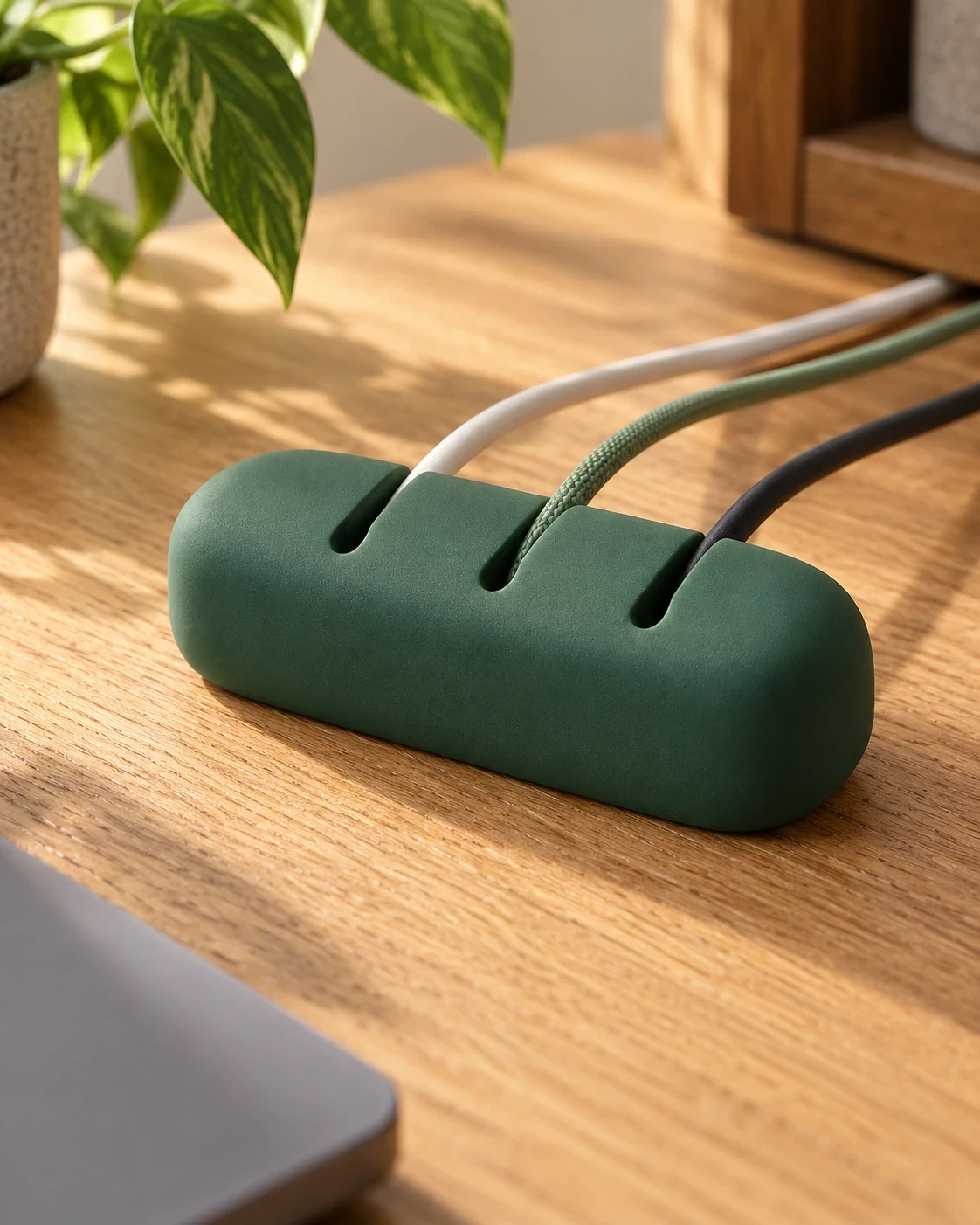
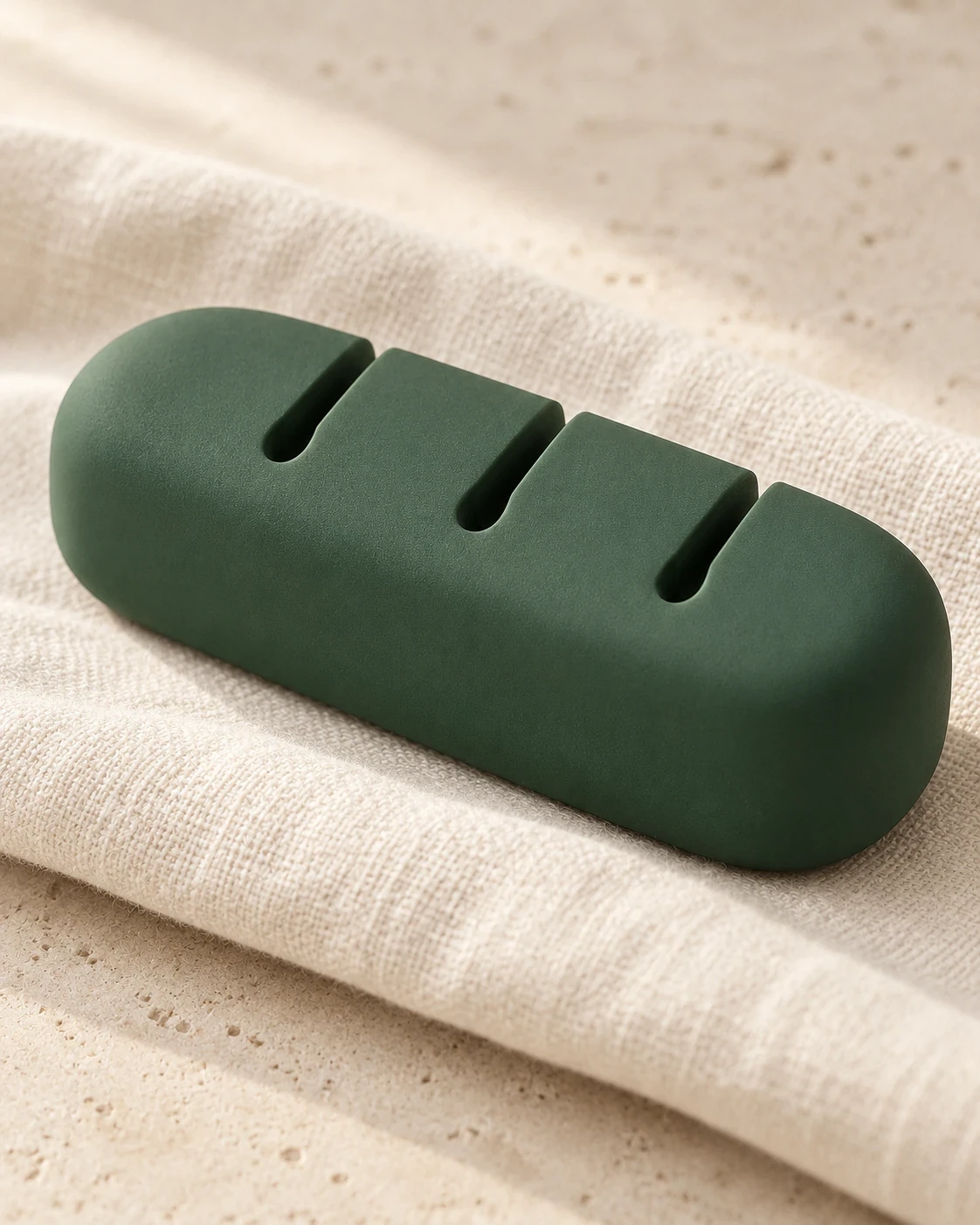
Cable Dock
A desk dock that keeps charging cable ends within reach.
$22.00Forest
BEST FOR / Workday
Home
Reduce the objects competing for space and make the essentials easier to reach.

A calmer desk does not need to be empty. It needs room for the work happening there. Start by clearing the surface, then bring back only the objects involved in an ordinary session: the computer, the current notebook and the tools used regularly.
A current project belongs within reach. Spare cables, old notes and occasional accessories can live elsewhere. Give incoming paper a small, defined location so it does not spread across the working area. At the end of the day, decide what stays active for tomorrow.

Trace each cable to its purpose before changing its route. Keep connections accessible and allow enough slack for normal movement. Follow device guidance, protect ventilation and avoid pinching cables or creating a trip hazard. A cable holder is a way to arrange a loose end, not an electrical safety device.
A two-minute reset can be enough: return a tool, remove a cup, save the next task and clear one space. Keep portable accessories together if work moves between rooms. Review the setup after a few days. If an organizer adds another step without solving a problem, reconsider whether it belongs.
Keep fewer objects in the active space and make their purposes clear. A small place for loose accessories can help a desk reset without adding another system to manage.
A desk dock that keeps charging cable ends within reach.
BEST FOR / Workday
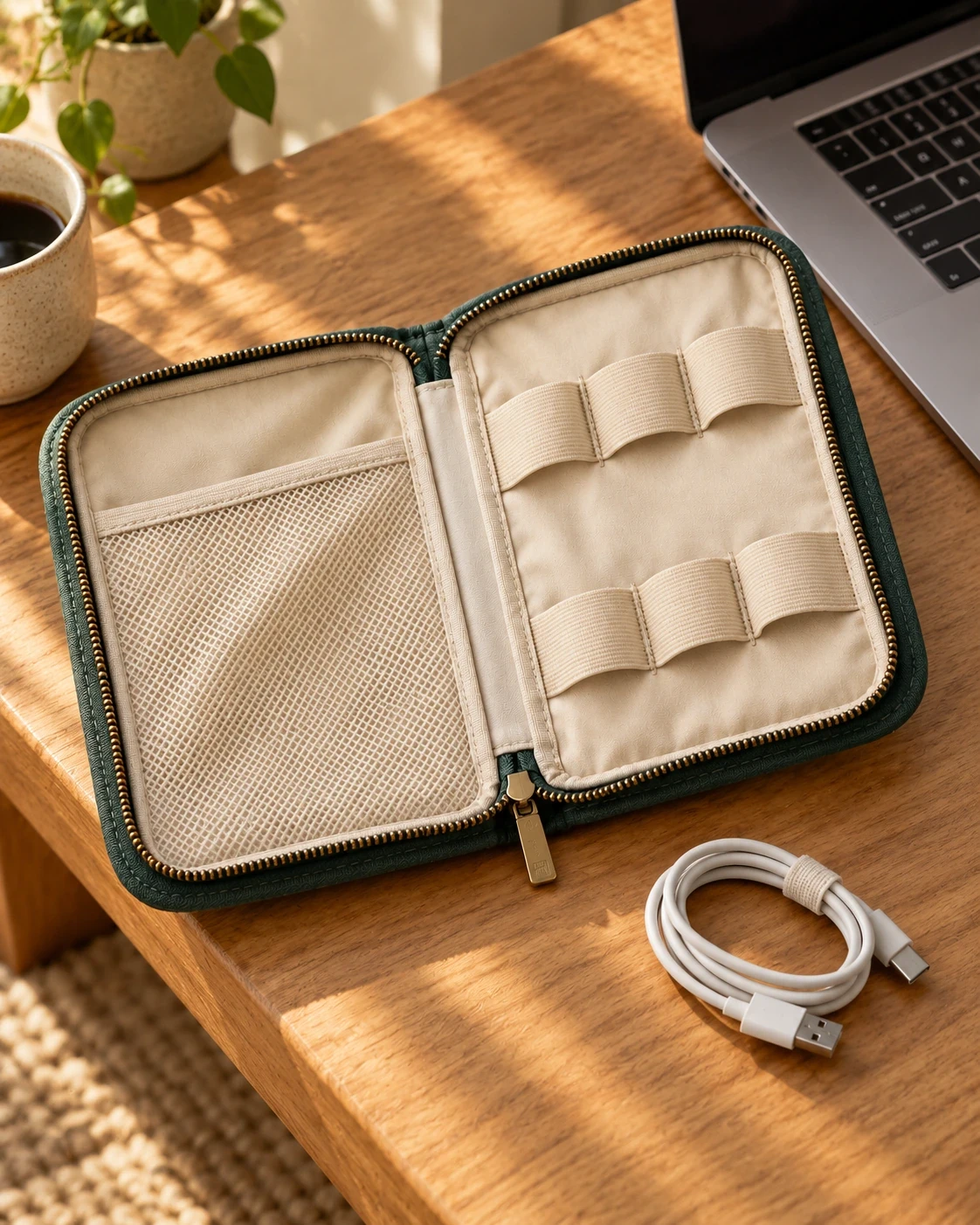
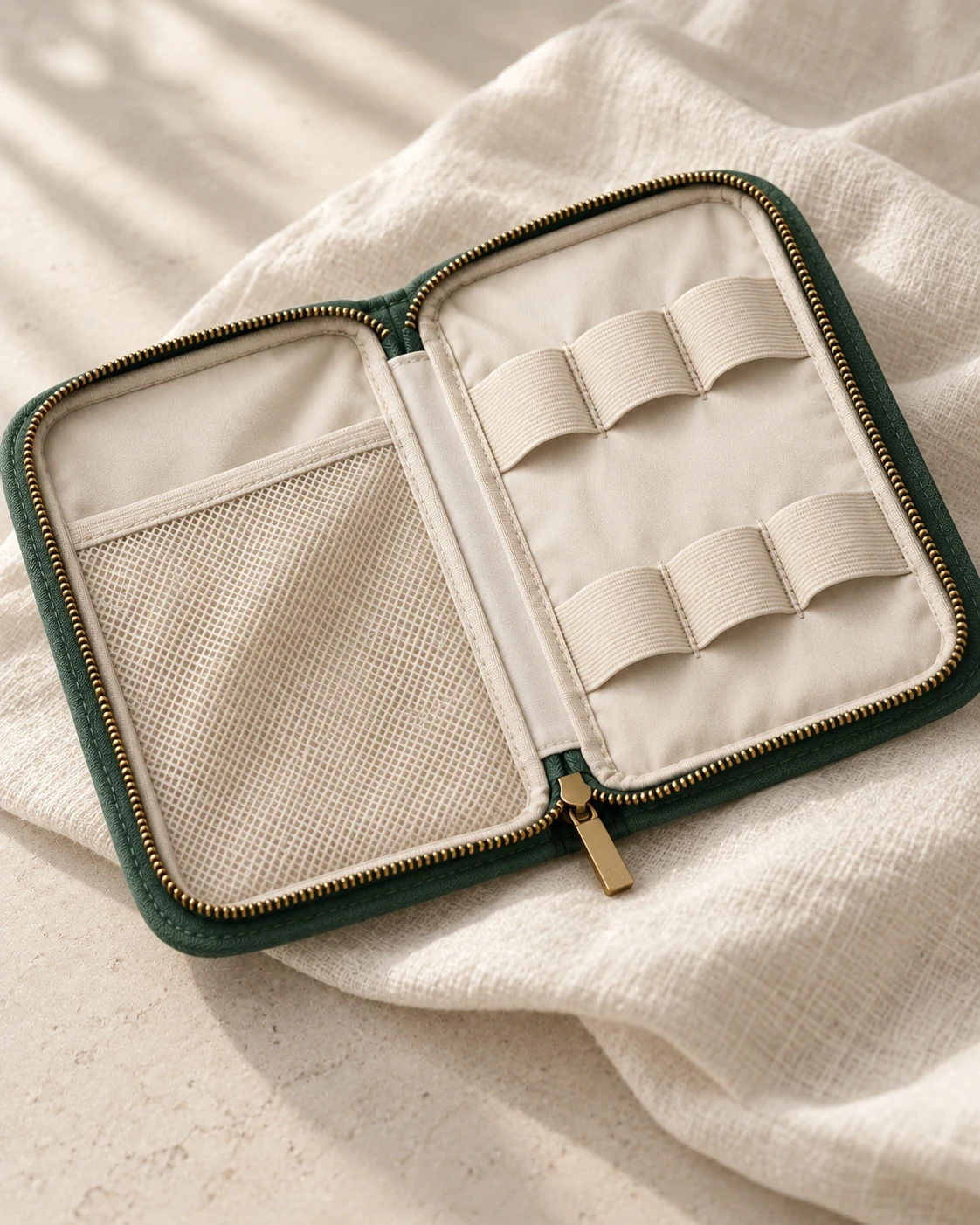
A fold-open pouch for cables, adapters and small tech.
BEST FOR / Weekend Away
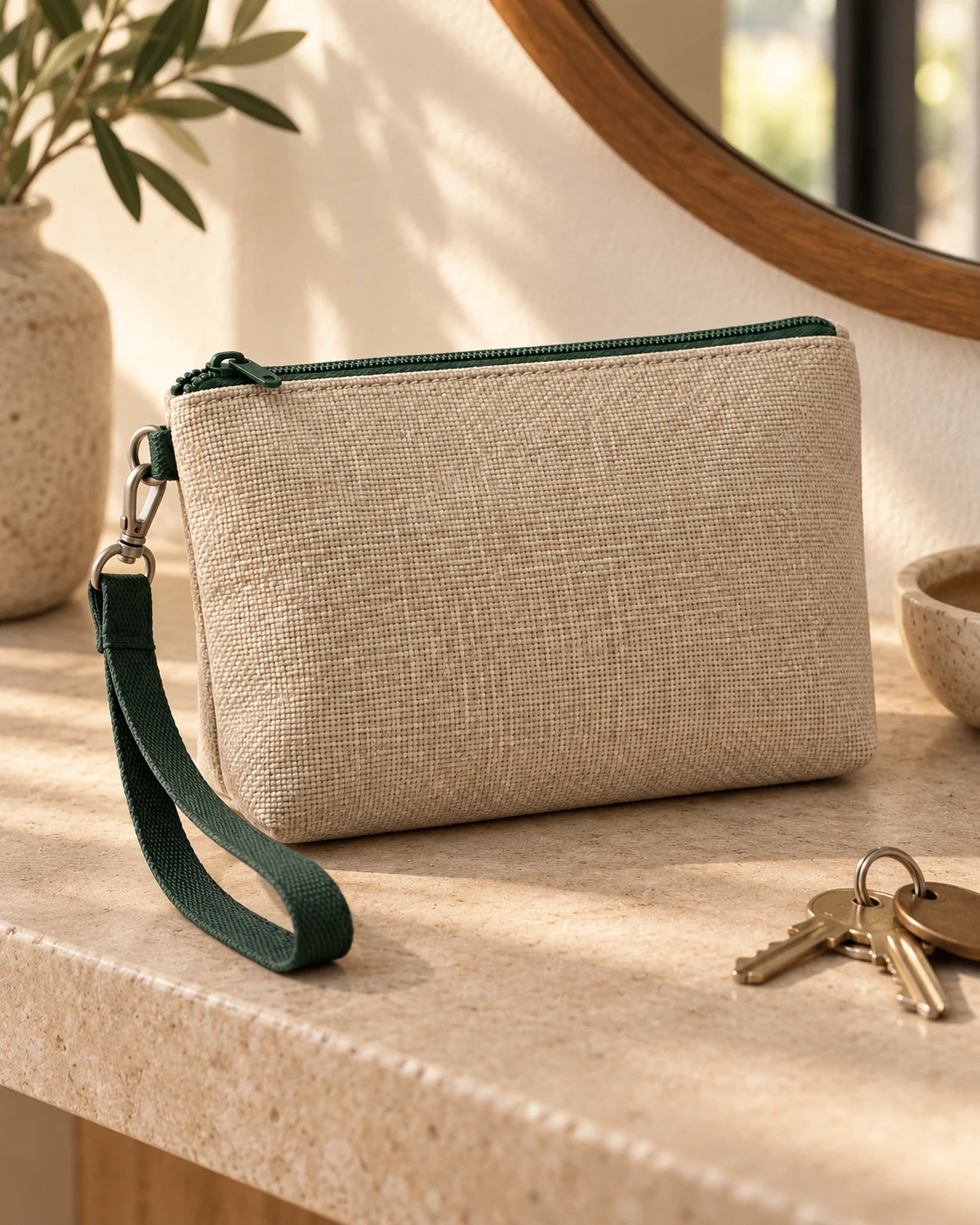
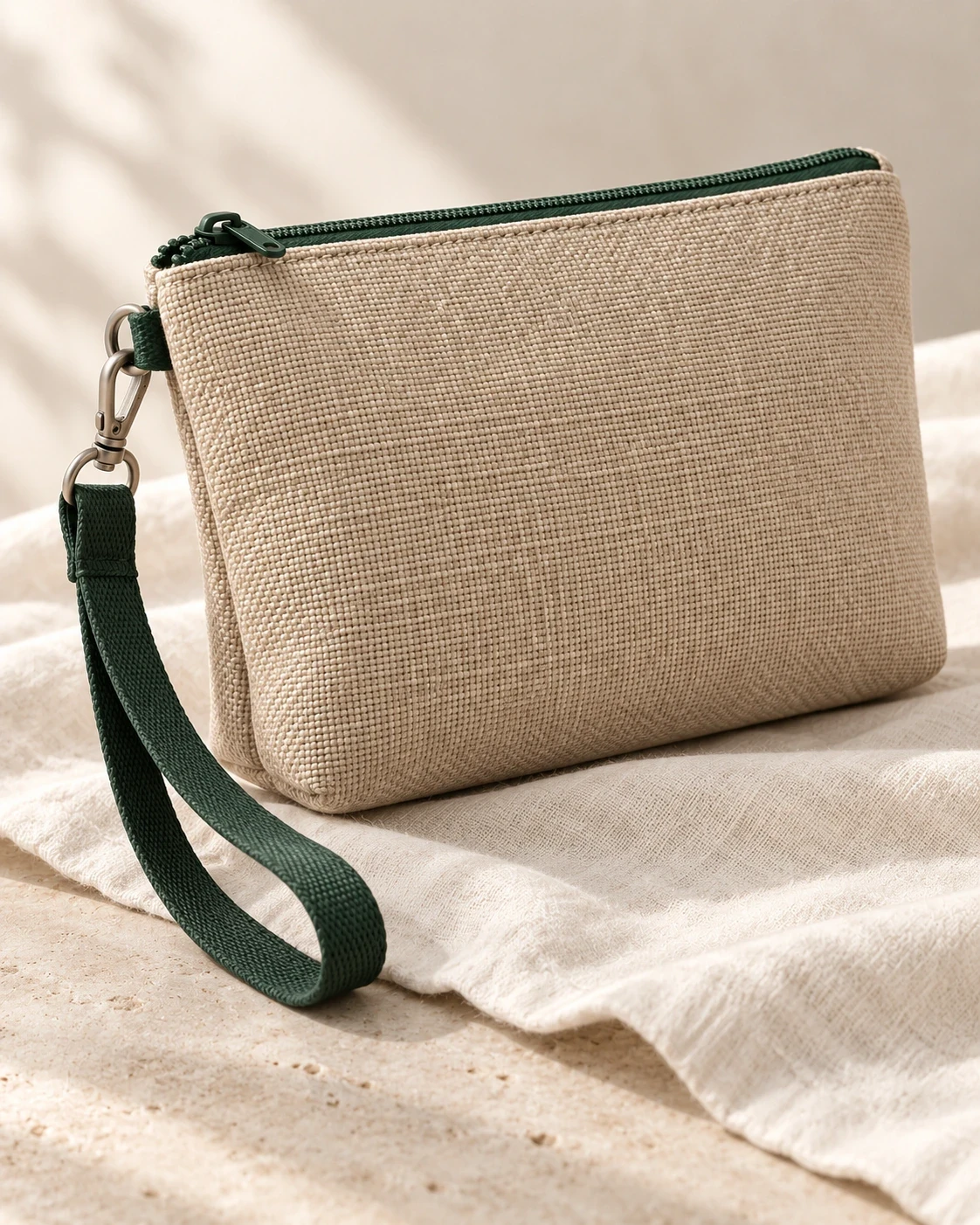
A zip pouch for moving keys and small essentials between bags.
BEST FOR / Morning Walk
Previous story
Next story